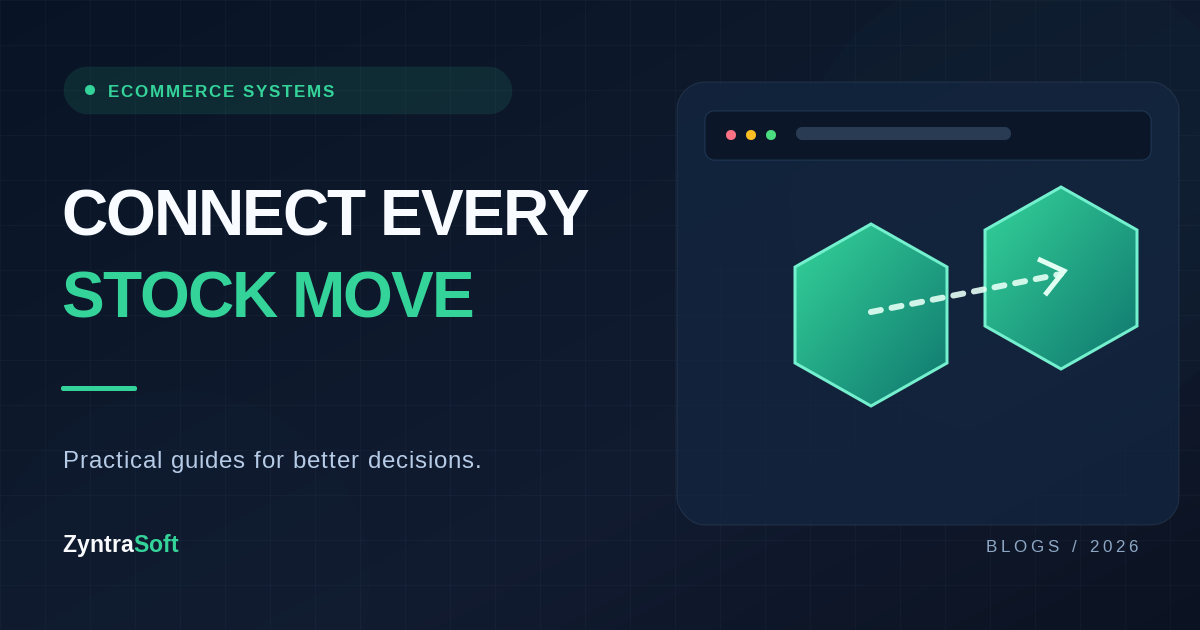
Inventory synchronization becomes difficult when a business sells through several storefronts, stores stock in multiple locations or produces products from raw materials.
The fix is not simply to connect two APIs. First, define which system owns the stock count and what should happen when an order, return or adjustment arrives.
Decide where your inventory truth lives
Choose one authoritative system for every stock quantity. Shopify may manage sellable inventory in a simple store; a warehouse or manufacturing system may be the authority for a more complex operation.
Without ownership rules, both sides can update the same quantity and create inconsistent records.
- Define available, reserved, damaged and inbound stock separately.
- Map every product variant to a stable SKU or internal identifier.
- Document the source of truth for each location.
Design the events that change stock
Document order creation, cancellation, refunds, returns, purchase receipts, production completions and manual adjustments. Each event should update the intended records once, even if an integration retries it.
Make reconciliation a planned feature: compare snapshots and report discrepancies instead of silently overwriting values.
- Use idempotent handlers for repeated webhook deliveries.
- Record an audit trail of adjustments and their causes.
- Keep a queue or retry process for temporary provider failures.
Treat locations and fulfillment rules explicitly
A quantity at one warehouse is not automatically available for fulfillment from every location. Define where an order can be fulfilled, when stock transfers are recognized and whether reservations reduce available inventory.
Consider the difference between an online storefront, retail point of sale, third-party logistics provider and production floor.
Test the sync before turning it on for customers
Use sample items and representative edge cases. Place an order, cancel it, process a partial return and temporarily disconnect the inventory service. Confirm the system recovers without changing inventory twice.
Assign someone to review mismatch alerts until the integration has a reliable track record.
- Test missing or duplicate SKUs.
- Reconcile counts before initial activation.
- Document rollback and resynchronization procedures.